Local SEO for Indian Small Businesses: How to Rank on Google Maps
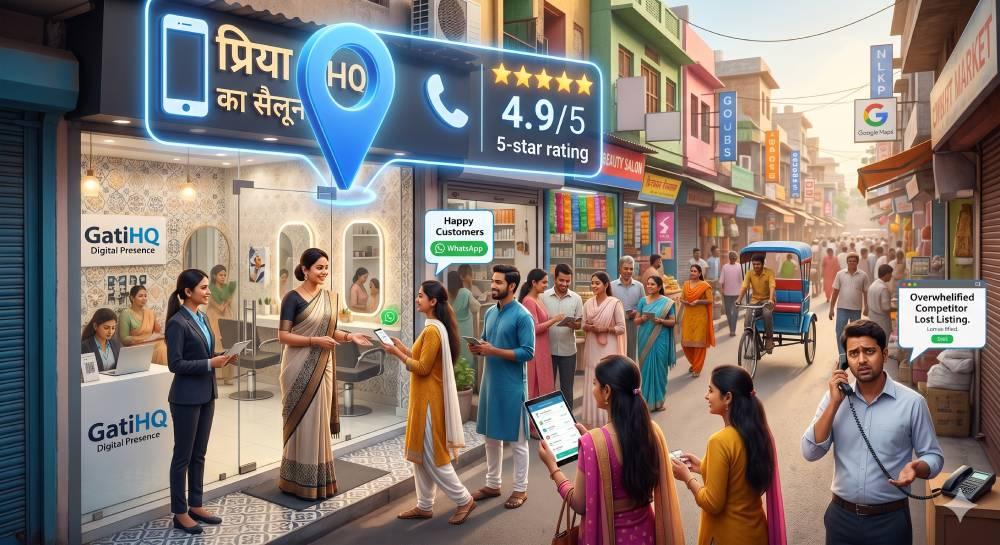
Priya opened a new beauty salon in Delhi. She bought the best chairs. She hired great staff. But for the first month, her salon was empty. People searching for a salon nearby could not find her online.
Then, she fixed her Google Business Profile. Soon, her phone started ringing. Ranking on Google Maps is very important for small businesses in India. We will explain how to do it step by step.
How does Google Maps work?
Think of Google Maps like a busy local market. If your shop has no name board, people will walk right past it. A complete Google profile is like putting up a bright and clear sign. Getting good reviews is like having a crowd of happy customers standing outside. It tells everyone that your shop is the best choice.
Why Do You Need to Rank on Google Maps?
When people need a service quickly, they do not read long articles. They open Google Maps. They look for the top three options nearby. If you are not in those top three, you lose customers to your competitors. You need to rank high to build trust and get free phone calls.
How to Rank Higher
Follow these steps to improve your visibility:
1. Claim Your Business
First, you must tell Google that you own the business. Create a free Google Business Profile. Fill in your exact business name and address.
2. Pick the Right Category
Choose the most accurate category for your work. Do not just pick a broad term like store. Pick Beauty Salon or Mobile Phone Repair Shop. This helps Google match you with the right searches.
3. Add High Quality Photos
People want to see what they are buying. Upload clear photos of the outside of your shop. Add pictures of your products or happy staff.
4. Ask for Reviews
This is the most important step. Ask your happy customers to leave a five star review. You can send them a WhatsApp link to make it easy.
Summary of Local SEO Tips
Here is a quick checklist to grow your local presence:
Create a Profile: Claim and verify your Google Business Profile.
Be Accurate: Use your exact business name, address, and working hours.
Stay Active: Upload new photos and updates every month.
Collect Reviews: Ask every happy customer for a rating.
How GatiHQ Helps
Learning all the rules of Google Maps takes time. You are busy running your business.
GatiHQ makes this easy. We build your professional website. We set up your Google Business Profile. We also add a WhatsApp system to help you collect reviews automatically. You get more calls while doing less work.
Ready to get more local customers? Visit GatiHQ today and let us build your online presence.